

Branding - Your Way
Customize the overall appearance of your class schedule, email communications, and sign-up form to reflect your studio’s unique identity.
Every interaction will feel (and sound) like you. By adding your color scheme, logo, and relevant imagery to your classes.
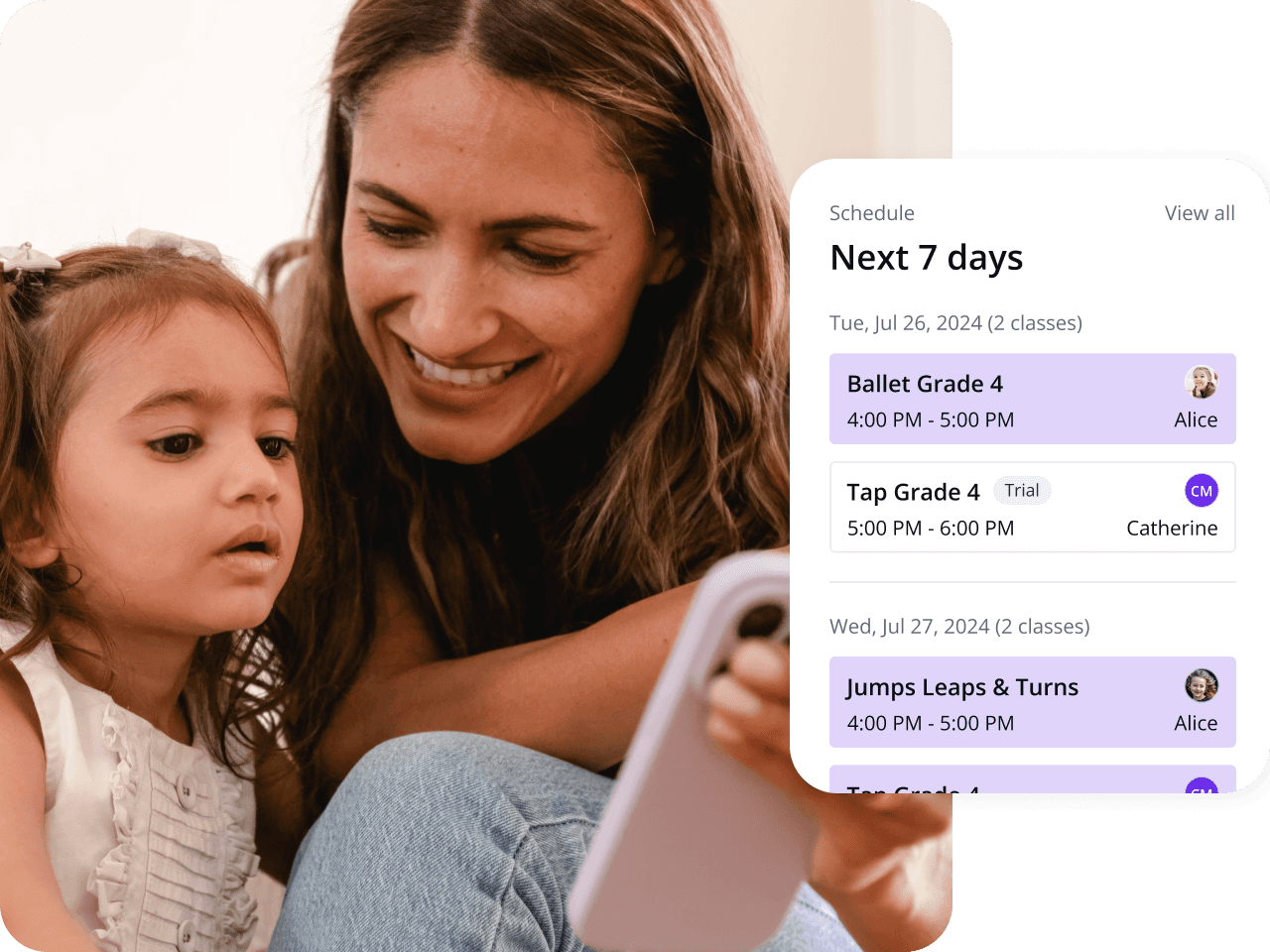

Manage Your Studio Anytime, Anywhere with the Class Manager Mobile App
Stay on top of admin no matter where life takes you.
At the gym, during school drop-off, or in line at the grocery store, the class manager mobile app lets you manage your business on the go; any staff member can use it, and it can be utilised across devices.
While away from the studio, you can view lessons and view upcoming seasons.
Scheduling
Streamline your lesson scheduling with ease, with flexible options for setting up schedules or seasons. Clone your classes and set up seasons in seconds! To finish setup, click through the scheduling page. Customise with images and colour codes.
Automated Fees
Say goodbye to the stress of tracking payments, with tools to manage payments and chase unpaid fees less often.
With automated billing, you can relax and watch your hard-earned income flow straight into your account while your admin flow helps manage invoices more efficiently.


Stay on Top of Class Availability
Instantly see class availability, waiting list numbers, class attendance, and trial students for each lesson. Plan effortlessly by advertising open class spaces so customers can fill them, or adding additional classes to meet demand.
Increase Sign Ups
Boost your bookings with a mobile-friendly sign-up form. New students can create an account in order to access a booking link for specific classes and book quickly and easily. You can also share that link on your website.
Still Have Questions?
How Often Are The Features Updated?
Are Features Free, Or Do You Have To Pay Extra?
Can Staff Access All Features?
How do notifications work, and can I control what I receive?
Is Class Manager available as an app?
Yes. Class Manager has a dedicated app for both iOS and Android, so you can manage your studio, check schedules, or stay in touch with your class straight from your phone. Everyone uses the same app, no separate downloads or extra logins needed. Your login simply determines what you see: owners get the full picture, managing classes, admin, and communication with staff and families all in one place; staff get a view tailored to running their classes day to day; and families get a simple, focused view for staying connected, with schedules and updates but none of the behind-the-scenes management tools.

