
Easy Studio Communication
Every Conversation, In One Place
Message parents, answer questions, and handle the admin without leaving the thread, Class Manager's AI drafts the reply and flags the action.
Easy Studio Communication
Every Conversation, In One Place
Message parents, answer questions, and handle the admin without leaving the thread, Class Manager's AI drafts the reply and flags the action.
4.8
4.8
Streamline Communications
Managed In One Space
Customized With Your Branding
Streamline Communications
Managed In One Space
Customized With Your Branding
Streamline Communications
Managed In One Space
Customized With Your Branding
Available On All Devices
Streamline Communications
Managed In One Space
Customized With Your Branding

Chats: Everything in One Place
Chats brings every conversation with every family into Class Manager, so nothing lives (or gets lost) in WhatsApp or a text thread.
Broadcast Messages: Reach multiple families instantly, filtered by lesson, class, or season. Every recipient gets a private, personal message. No group chat, just clear comms.
One-to-One Messaging: Have direct conversations with individual families, started by either side, all inside Class Manager. No more studio-related messages appearing on your personal number.
Push Notifications: You and your families get alerted the moment a new message arrives.
Group Chats: Create group chats and stay in full control of who's in them and what gets shared.
React with Emojis: Respond quickly without breaking the flow of conversation; a thumbs-up or a heart says plenty.
No more 9pm WhatsApps. No more notification dread. Just simple communication inside Class Manager.
AI Has Entered The Chat
Chats keep getting better. Alongside 1:1, group and broadcast messaging, photos and reactions, you've now got two brand new AI-powered tools and a handy sidebar to speed things up.
AI Suggestions and Replies
Never stare at a blank reply box again.
Chats now suggest replies and actions for you.
Respond to parents and clear tasks in seconds, not minutes.
Family Preview
See the breakdown of family details, all on one page
The family preview sidebar shows enrolled classes and any balance owed
It sits right next to every 1:1 chat, ready when you need it.

Why Use Chats?
Benefits for Studios
Send broadcast messages to targeted groups, quickly and easily
Manage all communications from one place, no switching between WhatsApp, email, texts, and your CRM
Protect privacy by not needing to share personal phone numbers
Benefits for Families
Timely, relevant updates without monitoring multiple channels
One place to check everything, instead of hunting through WhatsApp, Facebook groups, and email
A simple, familiar messaging experience with easy replies

Benefits of Class Manager Chats
Benefits for Studios
Send broadcast messages to targeted groups, quickly and easily
Manage all communications from one place, no switching between WhatsApp, email, texts, and your CRM
Protect privacy by not needing to share personal phone numbers
Benefits for Families
Timely, relevant updates without monitoring multiple channels
One place to check everything, instead of hunting through WhatsApp, Facebook groups, and email
A simple, familiar messaging experience with easy replies
AI Has Entered The Chat
Chats keep getting better. Alongside 1:1, group and broadcast messaging, photos and reactions, you've now got two brand new AI-powered tools and a handy sidebar to speed things up.
AI Suggestions and Replies
Never stare at a blank reply box again.
Chats now suggest replies and actions for you.
Respond to parents and clear tasks in seconds, not minutes.
Family Preview
See the breakdown of family details, all on one page
The family preview sidebar shows enrolled classes and any balance owed
It sits right next to every 1:1 chat, ready when you need it.
AI Has Entered The Chat
Chats keep getting better. Alongside 1:1, group and broadcast messaging, photos and reactions, you've now got two brand new AI-powered tools and a handy sidebar to speed things up.
AI Suggestions and Replies
Never stare at a blank reply box again.
Chats now suggest replies and actions for you.
Respond to parents and clear tasks in seconds, not minutes.
Family Preview
See the breakdown of family details, all on one page
The family preview sidebar shows enrolled classes and any balance owed
It sits right next to every 1:1 chat, ready when you need it.
Why Use Chats?
Why Use Chats?
Benefits for Studios
Send broadcast messages to targeted groups, quickly and easily
Manage all communications from one place, no switching between WhatsApp, email, texts, and your CRM
Protect privacy by not needing to share personal phone numbers
Benefits for Families
Timely, relevant updates without monitoring multiple channels
One place to check everything, instead of hunting through WhatsApp, Facebook groups, and email
A simple, familiar messaging experience with easy replies
Benefits for Studios
Send broadcast messages to targeted groups, quickly and easily
Manage all communications from one place, no switching between WhatsApp, email, texts, and your CRM
Protect privacy by not needing to share personal phone numbers
Benefits for Families
Timely, relevant updates without monitoring multiple channels
One place to check everything, instead of hunting through WhatsApp, Facebook groups, and email
A simple, familiar messaging experience with easy replies
Free Class Management Software
Just a service charge for all online payments processed.
Class Manager Handles All Your Communications

Automated Emails: Set It Once, Then Forget It
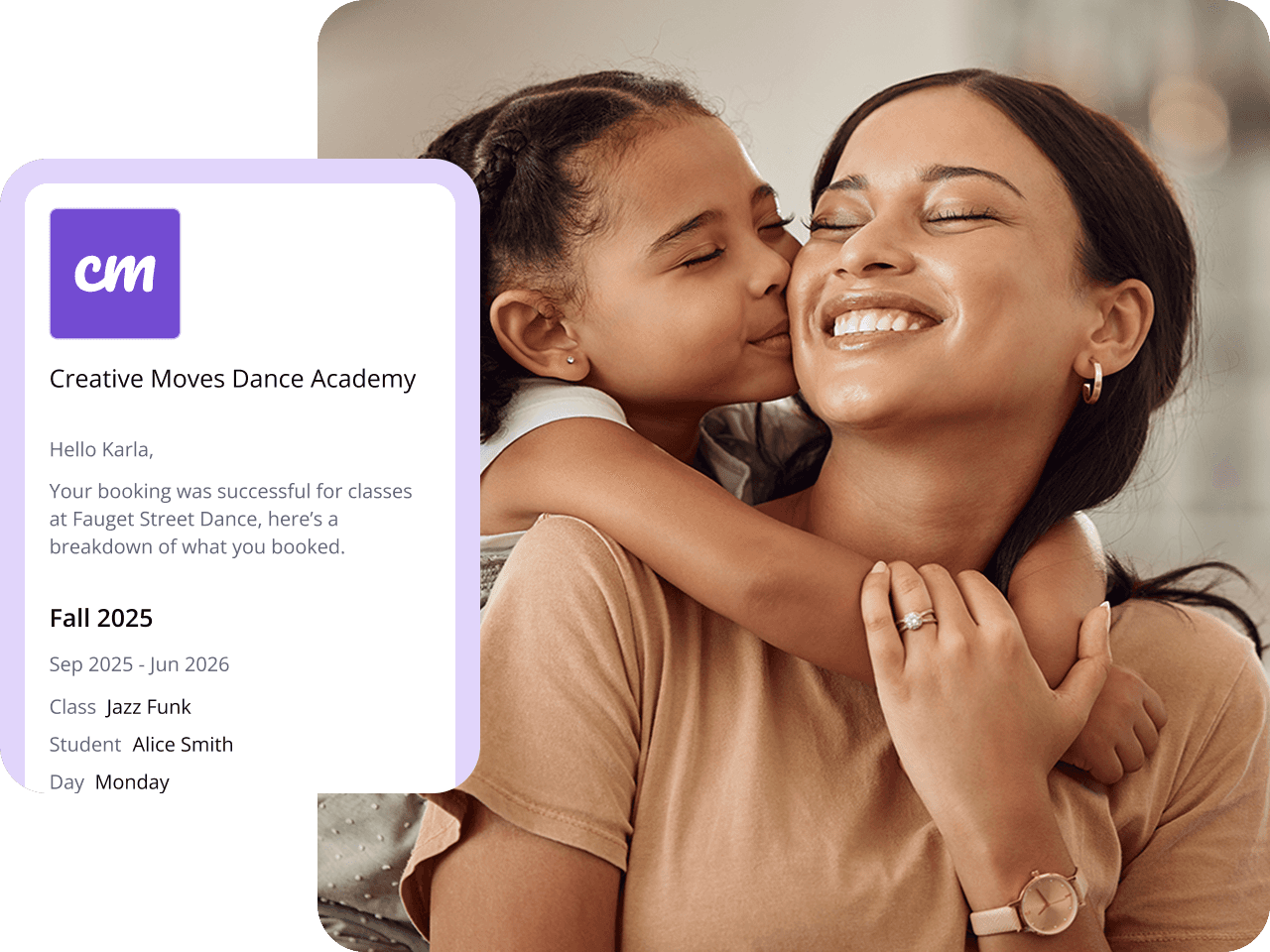
Alongside chats and emails, Class Manager automates the emails behind trials, enrolments, staff, and students, so every booking confirmation, reminder, and follow-up goes out on its own, at exactly the right moment.
No more chasing no-shows. No more manually following up with every trial. Class Manager handles the whole journey, so you don't have to.
Fully customisable: every email reads in your tone of voice, not a generic template
Branded automatically: your logo and colours, on every send, every time
No setup required: no connecting anything, no configuration headaches. Turn it on and let it run
Less admin. More relationships. More time back in your day.
Send emails to individuals, specific classes, age groups, or all members, all from the same easy-to-use software, in seconds. With every message stored securely, you'll always know what was sent and when. No more searching your inbox to confirm information was sent.
No more "I never got that email"
Every email you send through Class Manager is tracked and stored.
You can see exactly who it was sent to, when it was delivered, and whether it was opened, so when a parent says they didn't get your message, you'll have the facts to hand.
Delivery and open tracking on every email.
Full send history, searchable at any time.
Follow up only with those who missed it, not everyone
Before Class Manager I did all my studio management by hand, so it was a complete game changer.
Katherine Bates
Cirencester Creative Dance Academy
We changed over to Class Manager this year and I can't believe I didn't do it sooner. It's been fantastic!
Nicole Manning
Let's Dance with Nicole
Still Have Questions?
Can I personalise emails with a subject line and my studio's branding?
Can I stop receiving notifications outside of working hours?
Will families know a broadcast message was sent to other people, too?
Can I send different messages to different classes — for example, just my competition team or a specific age group?
How does Class Manager help me understand the intended audience for each message?
Class Manager organises your students and parents by class, age group, and membership status, so you always have a clear picture of your intended audience before sending a message. This means you know exactly who will receive each email, reducing the risk of sending irrelevant information to the wrong group. With this level of insight, you can provide relevant and valuable information to parents—ultimately benefiting the students. It also helps you create more effective, targeted communication that feels purposeful rather than generic. Being able to send messages to the right audience also means you can include appropriate additional information or resources where needed. The result is more engaged readers, better communication, and all with minimal extra time and effort on your part.
Can I personalise emails with a subject line and my studio's branding?
Can I stop receiving notifications outside of working hours?
Will families know a broadcast message was sent to other people, too?
Can I send different messages to different classes — for example, just my competition team or a specific age group?
How does Class Manager help me understand the intended audience for each message?
Class Manager organises your students and parents by class, age group, and membership status, so you always have a clear picture of your intended audience before sending a message. This means you know exactly who will receive each email, reducing the risk of sending irrelevant information to the wrong group. With this level of insight, you can provide relevant and valuable information to parents—ultimately benefiting the students. It also helps you create more effective, targeted communication that feels purposeful rather than generic. Being able to send messages to the right audience also means you can include appropriate additional information or resources where needed. The result is more engaged readers, better communication, and all with minimal extra time and effort on your part.
Can I personalise emails with a subject line and my studio's branding?
Can I stop receiving notifications outside of working hours?
Will families know a broadcast message was sent to other people, too?
Can I send different messages to different classes — for example, just my competition team or a specific age group?
How does Class Manager help me understand the intended audience for each message?
Class Manager organises your students and parents by class, age group, and membership status, so you always have a clear picture of your intended audience before sending a message. This means you know exactly who will receive each email, reducing the risk of sending irrelevant information to the wrong group. With this level of insight, you can provide relevant and valuable information to parents—ultimately benefiting the students. It also helps you create more effective, targeted communication that feels purposeful rather than generic. Being able to send messages to the right audience also means you can include appropriate additional information or resources where needed. The result is more engaged readers, better communication, and all with minimal extra time and effort on your part.
Can I personalise emails with a subject line and my studio's branding?
Can I stop receiving notifications outside of working hours?
Will families know a broadcast message was sent to other people, too?
Can I send different messages to different classes — for example, just my competition team or a specific age group?
How does Class Manager help me understand the intended audience for each message?
Class Manager organises your students and parents by class, age group, and membership status, so you always have a clear picture of your intended audience before sending a message. This means you know exactly who will receive each email, reducing the risk of sending irrelevant information to the wrong group. With this level of insight, you can provide relevant and valuable information to parents—ultimately benefiting the students. It also helps you create more effective, targeted communication that feels purposeful rather than generic. Being able to send messages to the right audience also means you can include appropriate additional information or resources where needed. The result is more engaged readers, better communication, and all with minimal extra time and effort on your part.
Can I personalise emails with a subject line and my studio's branding?
How do I keep up with studio communications?
Will families know a broadcast message was sent to other people, too?
Can I send different messages to different classes — for example, just my competition team or a specific age group?
How does Class Manager help me understand the intended audience for each message?
Class Manager organises your students and parents by class, age group, and membership status, so you always have a clear picture of your intended audience before sending a message. This means you know exactly who will receive each email, reducing the risk of sending irrelevant information to the wrong group. With this level of insight, you can provide relevant and valuable information to parents—ultimately benefiting the students. It also helps you create more effective, targeted communication that feels purposeful rather than generic. Being able to send messages to the right audience also means you can include appropriate additional information or resources where needed. The result is more engaged readers, better communication, and all with minimal extra time and effort on your part.
Want To See The Software In Action?
Book a personalized demo with a member of our team.
Want To See The Software In Action?
Book a personalized demo with a member of our team.
Want To See The Software In Action?
Book a personalized demo with a member of our team.
Want To See The Software In Action?
Book a personalized demo with a member of our team.

Class Manager is a trusted class
management software used by
dance studios and business
owners across the
UK, United States, Australia,
and beyond.
Planning an event or recital?
Visit our sister company, Stage Stubs
for all your ticketing needs.
Free for studios.

Contact Sales
Contact Support
UK +44 330 333 5151
© Class Manager 2026, All Rights Reserved
Class Manager is a trusted class
management software used by
dance studios and business
owners across the
UK, United States, Australia,
and beyond.
Planning an event or recital?
Visit our sister company, Stage Stubs
for all your ticketing needs.
Free for studios.
Contact Sales
Contact Support
© Class Manager 2026, All Rights Reserved
Class Manager is a trusted class
management software used by
dance studios and business
owners across the
UK, United States, Australia,
and beyond.
Planning an event or recital?
Visit our sister company, Stage Stubs
for all your ticketing needs.
Free for studios.
Contact Sales
Contact Support
© Class Manager 2026, All Rights Reserved