
Class Scheduling Software
Running a dance studio, gym, swim school, or martial arts academy means juggling classes across ages, levels, styles, and locations, and as you grow, so does the complexity. Manual scheduling doesn't just slow you down; it can hold your business back.
Class Manager's class management software brings it all into one intuitive, centralised dashboard. Build and schedule full seasons in minutes by copying existing timetables with a click. Assign teachers, track attendance, and update classes instantly, all from any device, online or in studio. Automated enrolment and recurring billing cut the admin, while integrated messaging keeps instructors, students, and parents connected.
Everything's visible at a glance; invoicing, payment reminders, and secure data help your cash flow, so you can focus on growing your business and delivering great classes.
It's time to simplify your scheduling and run your studio the smart way. Best part? Class Manager is free, flexible, and built to grow with your business.
Benefits of Using Studio Scheduling Software
Benefits For Studio Owners
How Class Scheduling Can Benefit You
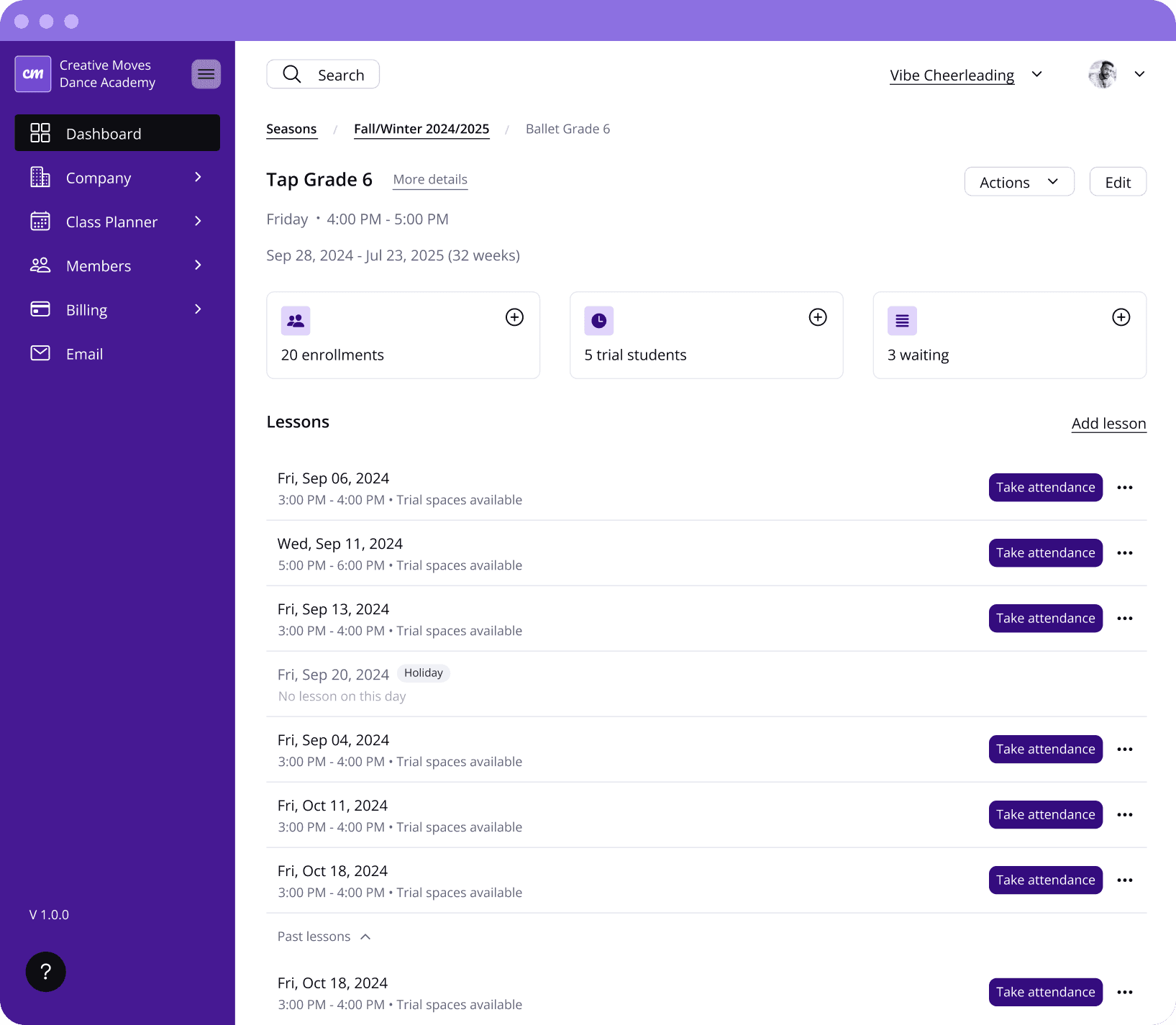
✔ Update details & upcoming classes effortlessly: Easily adjust schedules, update class details, or add new lessons and bookings without the hassle.
✔ Duplicate classes and seasons: Copy existing classes or entire seasons with a single click, perfect for recurring sessions or similar schedules.
✔ Track attendance and class limits: Keep tabs on attendance, set class size limits, and view availability and waiting lists, at a glance.
✔ Share clear schedules: Provide accurate, up-to-date timetables for students, families, and teachers anytime.
✔ Customise with ease: Tailor your scheduling system to match your studio’s needs, from styles and lesson content to teacher assignments. (You can also create virtual classes if needed.)
✔ Offer free or paid trials: Easily add trial classes and let students book directly through your schedule, helping grow your community.
✔ Present a professional image: Maintain a polished, organised schedule that reflects the quality and care of your studio.
Add Credit
Take Attendance
Cancel Lesson
Benefits For Your Customers
It's Not Just Great For You
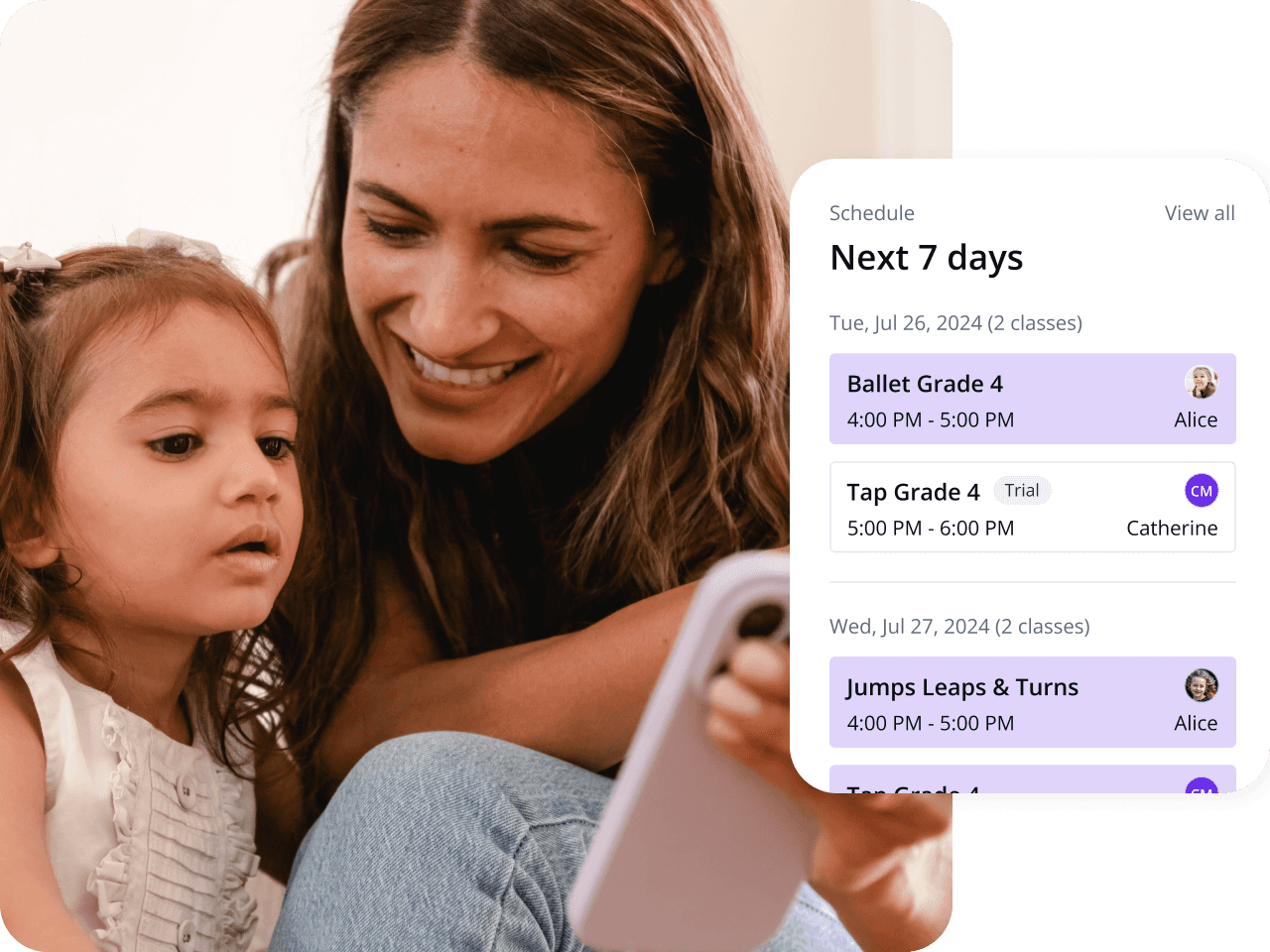
✔ View and manage weekly classes: Students can easily view their upcoming lessons, check real-time availability, and manage class bookings outside normal business hours without worry.
✔ Explore and enroll in additional classes: Browse the studio's full schedule, see available space, and register for new sessions via the parent portal.
✔ Access detailed class information anytime: See the class description, teacher details, locations, and session information, all in one place.
✔ Use built-in tools and features: From calendar views to automated reminders that reduce no-shows and keep customers informed about schedule changes, customers have everything they need to stay organised.
✔ Stay in control of your schedule: With intuitive class scheduling, students can track attendance, manage bookings effortlessly, and join booked sessions or virtual classes.

