
Ballet Studio Software: What Your Ballet School Needs (and What It Doesn't)
•
4 min read
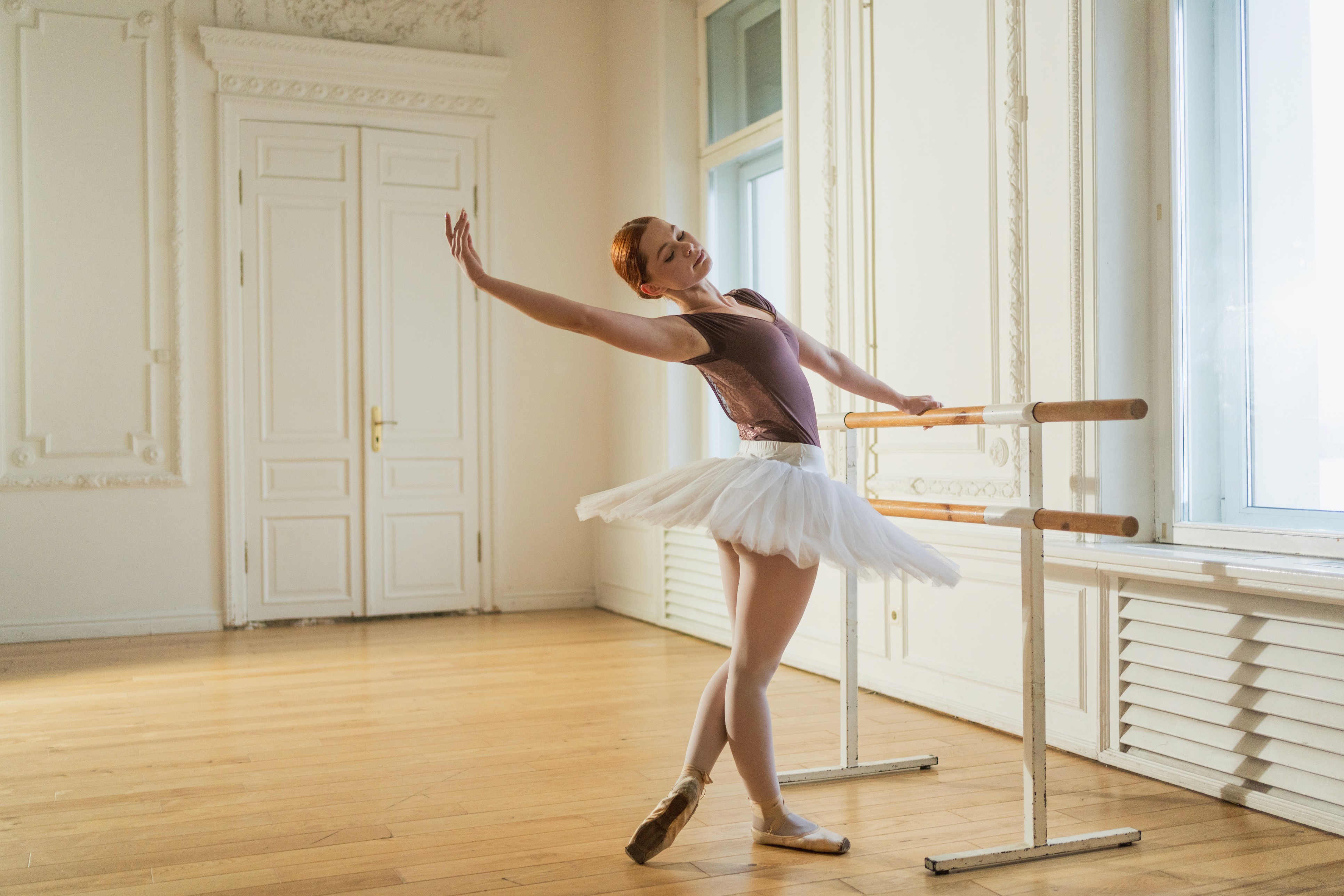
Ballet schools don't run like most dance studios. Students move through graded levels, exam entries depend on where each dancer is against the syllabus, uniform changes from grade to grade, and deciding who's ready to move up into the next grade isn't something you can do on a hunch.
Most general booking software doesn't know any of that. It'll take a payment and fill a class, but it won't help you see which Grade 3 students are ready to enter for their exam, or remind parents that Grade 5 needs a new leotard colour in September. But Class Manager’s dance management software can.
Why ballet schools need more than a booking system
If you run a ballet school, a few things probably shape your year:
Graded levels. Whether you follow RAD, ISTD, bbodance, Cecchetti, the ABT National Training Curriculum, or your own syllabus, students progress through clear levels with set skills at each one.
Exam sessions. Deciding who enters, who waits a term, and what each dancer still needs to work on.
More classes as students progress. A Grade 6 student might take technique, free work, and pre-pointe each week, so billing needs to handle several classes per dancer and several dancers per family.
A big show. A summer show, an end-of-year recital, or a December Nutcracker, with rehearsals, costumes, and tickets to organise.
Good ballet studio software should make every one of these easier, not just handle the bookings and some of the administrative burdens that come with running a school.

What to look for in ballet studio software
Classes set up around your grades
You should be able to set up classes by grade or level, age range, and capacity, and copy your timetable from one term to the next without rebuilding it. Look for hidden classes too, so invite-only sessions like pre-pointe, pointe, exam coaching, or associate programmes stay off your public timetable while you place students into them yourself.
Skill tracking that matches your syllabus
This is where ballet schools get the most value. With skill tracking, you can build a standard for each grade, list the skills in it (pliés, battement tendu, port de bras, sautés, and so on), and give each one a status such as "working on" or "achieved". You choose the statuses, so they can match how your teachers already assess.
Teachers update progress from their phone during or after class. And you decide if families can see their child's progress. When exam entries come round, you already know who's ready, and you have something clear to show a parent whose child isn't entering this time.
It works just as well for pre-pointe readiness. Set the strength and technique milestones you want to see, and track them over a term or two before anyone buys their first pair of pointe shoes.
Billing that handles several classes per dancer
Ballet families often have more than one child, and older students often take several classes a week. Look for automated billing, discounts, class packages, and a single account per family, so parents pay once for everything rather than juggling separate invoices.
Communication parents actually read
Uniform requirements, exam dates, rehearsal schedules, show day timings: ballet schools send a lot of information home. Class Manager built messaging capabilities directly into the software, so you can send one broadcast to a whole grade, chat one-to-one with a parent, or set up a group for the cast of your show. Email that you can schedule in advance is useful for exam and show reminders.
Attendance and notes
Regular attendance matters when you're deciding exam entries, so it helps to have a clear record without flicking through a paper register. Notes are handy for the small things teachers need to know, like a dancer who's minding a sore ankle this week.
Tickets for your show
Your annual show is often your biggest night of the year, and ticketing is usually a separate headache. Stage Stubs, our sister platform, is free ticketing built for dance and performing arts schools, with seating charts made from your venue layout and an app for scanning tickets on the night.

How Class Manager works for ballet schools
Class Manager's ballet studio software brings scheduling, billing, skill tracking, and parent communication into one place, with no monthly subscription. There's no setup fee and no contract. See the full details on our prices page.
With Class Manager, ballet schools get:
Classes by grade, with hidden classes for invite-only sessions
Skill tracking and grading you can build around your syllabus
Automated billing, class packages, and a Family Portal
Chats for broadcast, one-to-one, and group messages, with AI-suggested replies
Spotlight, an in-app feed for sharing photos and news with families
Attendance, notes, finance and student reports
Online registration and waivers
And because most ballet schools teach more than ballet, it works just as well for your tap, modern, jazz, and contemporary classes.
Book a free demo and we'll show you how Class Manager would work for your grades and classes, or open your account and start setting up today.
Or, find out more about how Class Manager can help you, in our blog posts:
Your Dance Year, Term by Term: What Your Dance School Software Should Handle
How to Keep Up with Changing Technology in Class Management Software
Class Manager or DanceBiz: Which Dance Studio Management Software Is Better for Your Studio?
Class Scheduling Software: How to Use It to Grow Your Studio Business

